The elite, tuned to perfection - Performance engineered monitors
The world of monitors is far more nuanced than simply producing a “good” or “bad” image. The intended purpose—be it a television studio, professional post-production, or home entertainment (e.g. video game) — fundamentally determines the construction, electronic design, and approach to image quality.
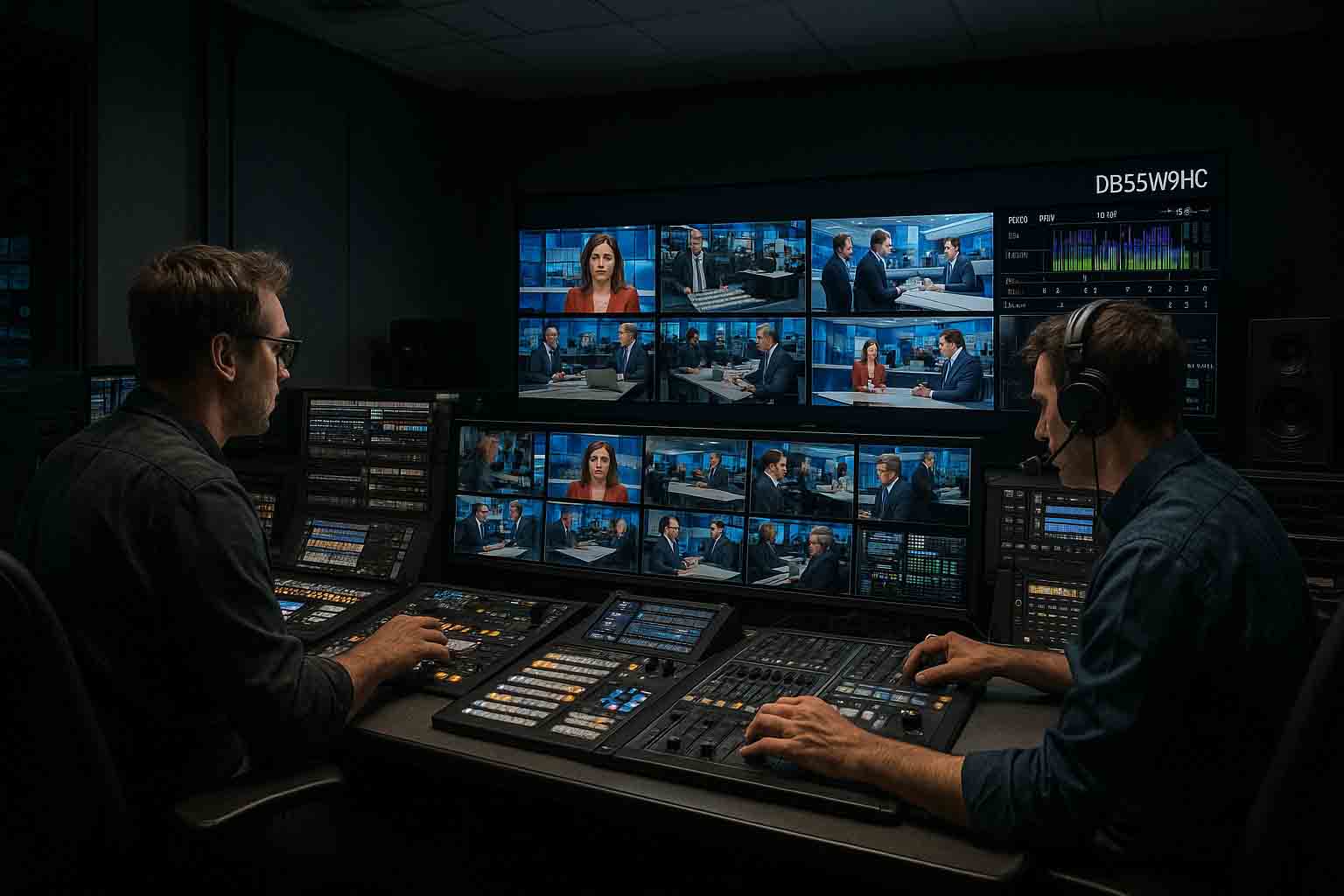
Mechanical Construction Differences
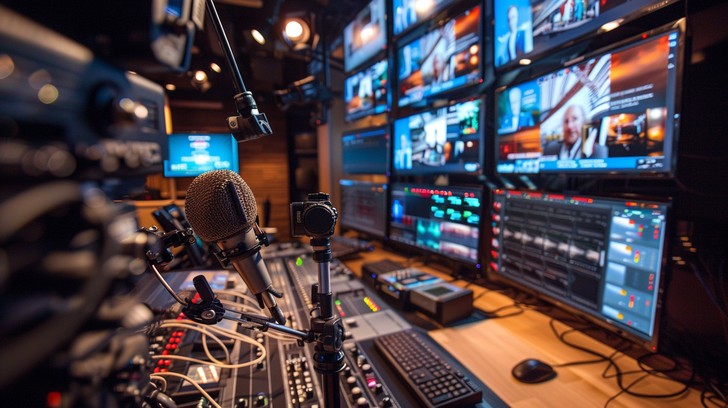
- Broadcast Monitors: Robust, industrial-grade metal housing designed for prolonged 24/7 operation. Cooling, vibration and heat resistance, as well as panel mounting, are precisely engineered to ensure long-term stability.
- Professional Monitors: Often based on industrial displays or high-end commercial panels, with reinforced frames, though not as mechanically assured as broadcast models.
- Domestic Monitors: Mass-production-optimized, mostly plastic housings, lighter construction, and less durable materials. The emphasis is on appearance and affordability rather than durability.
Illumination (Backlighting and Light Source)
- Broadcast: Stable brightness and spectrum, long-life LED or OLED light sources, with uniformity compensation(*1).
- Professional: High-quality backlighting that ensures color accuracy, but continuous 24/7 operation is rarely required—typically rated for 12/7 or 8/7 use.
- Domestic: Often less uniform backlighting, with significant brightness and color shifts over time, frequently using oversaturated colors and dynamic contrast “tricks” (*2), with lower long-term stability.
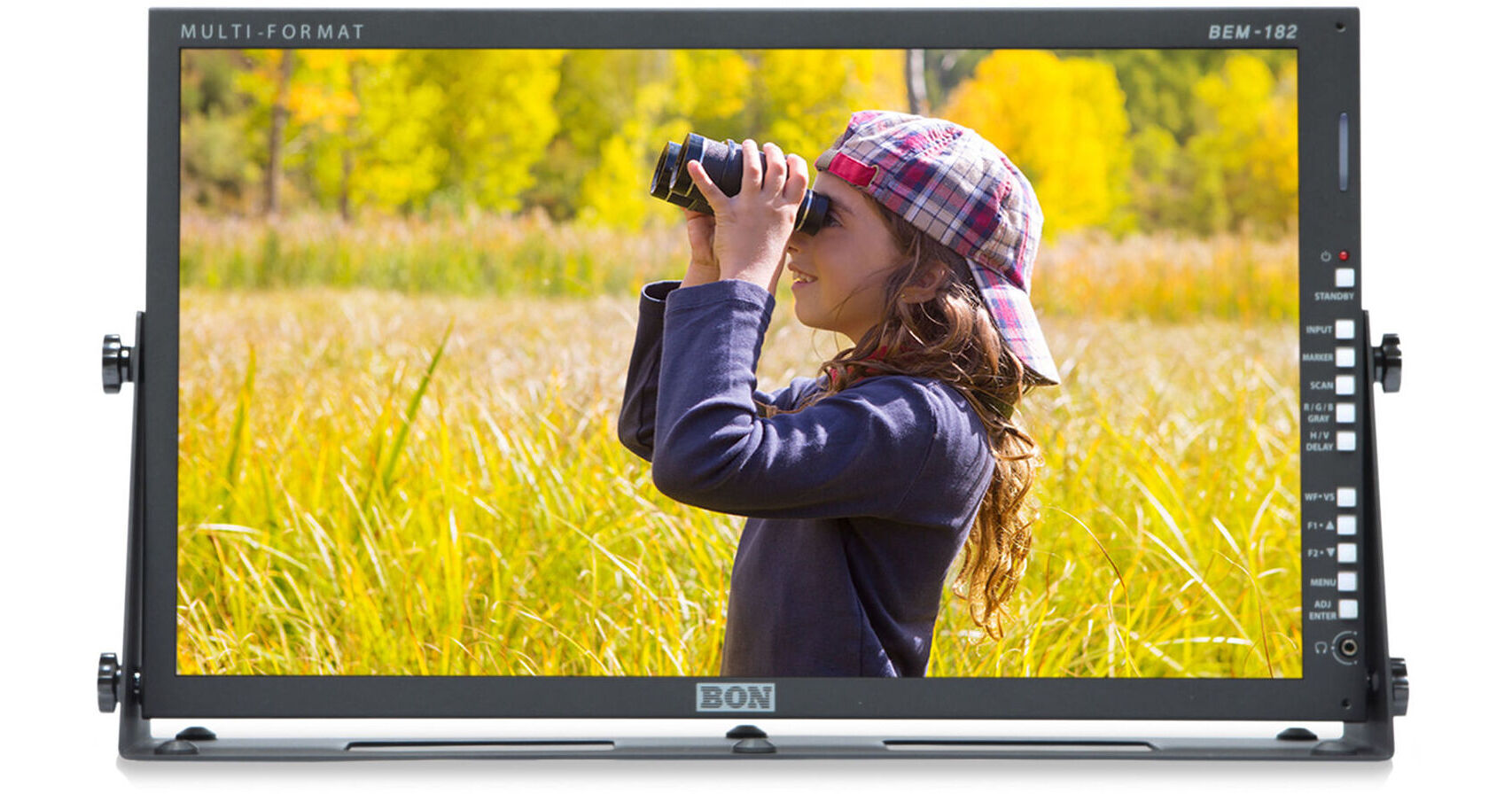
Circuitry and Electronics
- Broadcast: Precision circuitry, industrial-standard signal processing (SDI, 12G-SDI, genlock support), low latency, high bit depth, and long-term thermal stability.
- Professional: High color depth and accurate signal handling, but without broadcast-specific synchronization and signal routing capabilities.
- Domestic: Highly integrated, cost-optimized circuitry, where image quality is often enhanced with software-based “visual improvement” features.
HDR Support and Image Quality (*3)
- Broadcast: Most modern broadcast monitors support HDR formats, but in a strictly calibrated, standards-compliant manner. Typical formats: HLG (Hybrid Log Gamma) for live broadcast and PQ (ST.2084) for post-production. Peak brightness and color gamut are restricted according to standards so that the broadcast looks the same for all viewers.
- Professional: Nearly all high-end studio monitors offer full HDR support, often with a wider brightness range (1000–4000 cd/m²) and larger color gamut coverage (DCI-P3 ≥ 98%, partial Rec.2020 coverage). As reference-grade devices, they aim to reproduce HDR as accurately as possible.
- Domestic: Most modern consumer TVs and monitors proudly advertise HDR, but in practice often rely on “overcooked” contrast enhancement, dynamic tone-curve adjustments, and proprietary “HDR effect” algorithms. These produce visually striking images but may not comply with actual HDR standards.
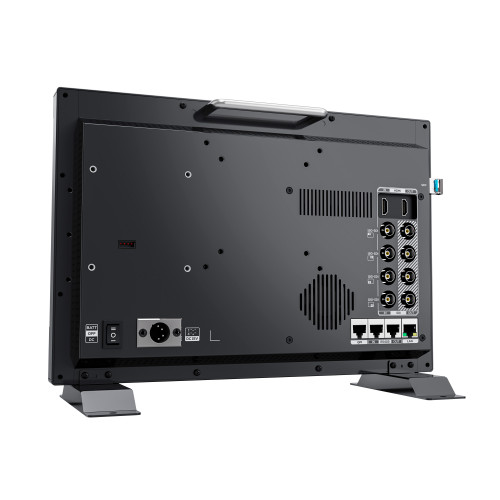 Video Input Connections
- Broadcast: SDI (3G, 6G, 12G), multiple reference signal inputs, loop-out options, HDMI Professional, and sometimes DisplayPort.
- Professional: HDMI, DisplayPort, and occasionally Thunderbolt.
- Domestic: Mostly HDMI, sometimes DisplayPort on gaming models.
Today, nearly all monitors feature IT network connectivity (CAT6 or WiFi) and audio connections.
Key Tests and Calibration
- Broadcast: Color temperature, gamma, contrast, color gamut coverage, signal integrity, latency measurement, long-term drift testing, genlock.
- Professional: Color accuracy, gamma, brightness uniformity, and color uniformity tests.
- Domestic: Typically factory presets, with a few basic adjustments available to the user (brightness, contrast, color profile).
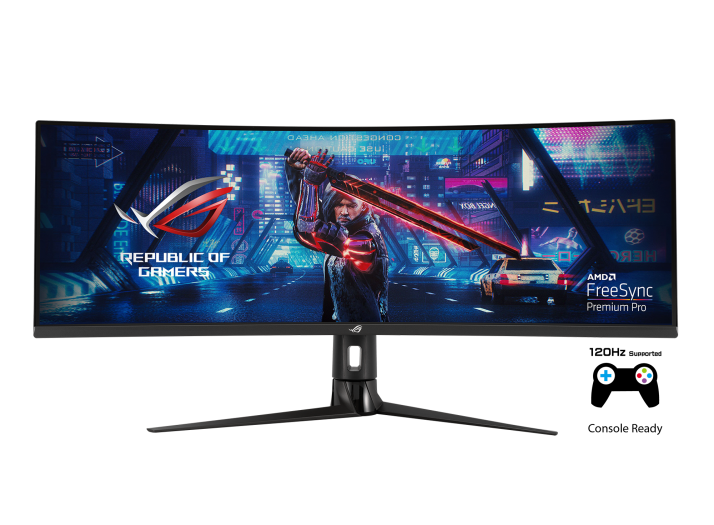 Applications
- Broadcast: Live broadcasting, studio work, professional video production, where signal accuracy and color fidelity are critical; post-production and film applications (*4).
- Professional: Photo and video post-production, graphic design, color grading.
- Domestic: Movie watching, gaming, general computing—where visual impact and enjoyment outweigh perfect color fidelity.
Notes:
(*1) Uniformity Compensation (uniformity compensation or panel uniformity correction) is a display technology feature used by manufacturers and professional users to correct brightness and color inconsistencies across the panel surface.
Why is it needed?
Even the best panels are not perfectly uniform. Due to manufacturing tolerances, backlight distribution, slight variations in color filters, and aging over time, the following may occur:
- One side of the image is slightly darker or brighter.
- White appears slightly cooler/warmer in certain zones.
- Color saturation varies slightly between areas.
How does it work?
The monitor uses built-in sensors or factory measurements to create a pixel- or zone-level brightness/color map of the panel. The control electronics then adjust each zone individually by:
- Increasing/decreasing brightness in specific areas.
- Applying fine RGB corrections to produce a uniform overall image.
Where is it found?
- Broadcast and professional graphic monitors (e.g., Eizo ColorEdge, Sony BVM series).
- Large-format studio displays where full-screen consistency is critical.
Drawbacks/compromises:
- May slightly reduce maximum panel brightness (matching to the weakest zone).
- May increase signal processing latency (but not typically an issue in broadcast work).
(*2) Dynamic Contrast “Tricks” in Domestic Monitors
Home displays often use visual enhancement algorithms that make the image more appealing to the average viewer, but stray from faithfully reproducing the original signal:
- Dynamic contrast control – continuously changes brightness and black level based on scene content.
- Local dimming – adjusts backlight zones to make blacks appear deeper but may cause haloing.
- Saturation boost – makes colors appear more vivid, resulting in a more striking but less accurate image.
- Sharpness boost – artificial edge enhancement, which emphasizes detail but can produce noisy, unnatural results.
- Motion smoothing – inserts interpolated frames to smooth motion, causing the “soap opera effect” in films.
(*3) HDR (High Dynamic Range) increases the range of brightness and color a display can reproduce compared to traditional monitors. The result is images with more vibrant colors, deeper blacks, and greater contrast, creating a more lifelike and immersive visual experience.
(*4) Broadcast Monitors in Film Production play a key role in lighting setup and color grading because they reproduce colors, tones, and contrast with exceptional accuracy and consistency. For cinematographers and colorists, it is essential to see the image exactly as it will appear in the final film—hence broadcast monitors are calibrated to industry standards for color temperature, gamma, and color gamut coverage (e.g., DCI-P3, Rec.2020). High panel uniformity and stable brightness allow for precise perception of subtle tonal differences, which is critical for accurate skin tone adjustments and preserving shadow and highlight details. In film workflows, the broadcast monitor serves as the reference—every other display is matched to it.